Start without ceremony.
Begin from the dashboard or menu bar and give the next piece of work a clear start and end.
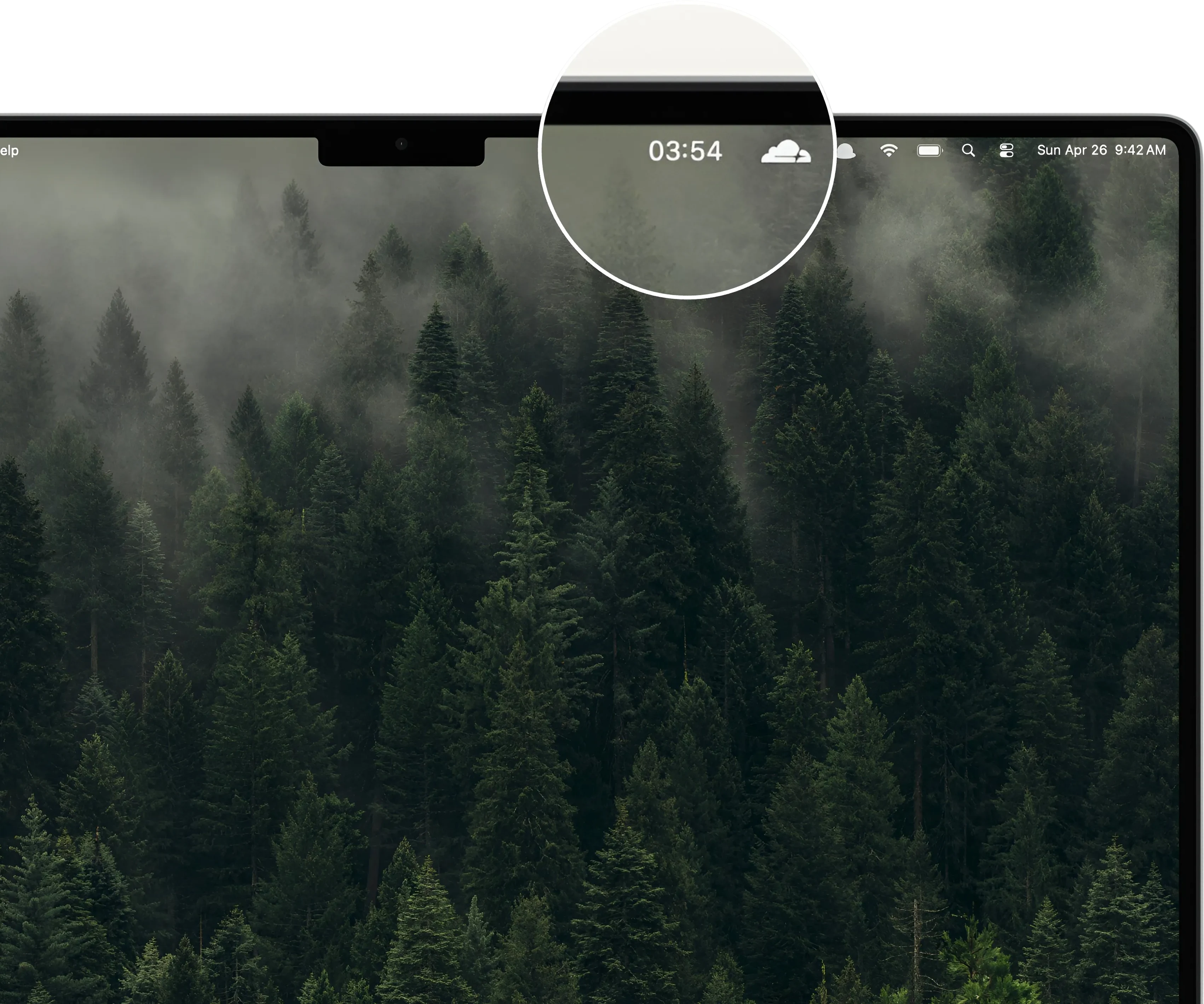

Focus timer for Mac
Choose a focused work block, keep time visible in your menu bar, and take a clean break without turning attention into another system.
Free to start · No account · No subscription

Flexible focus sessions
Use a classic Pomodoro rhythm or set the duration around the work in front of you.
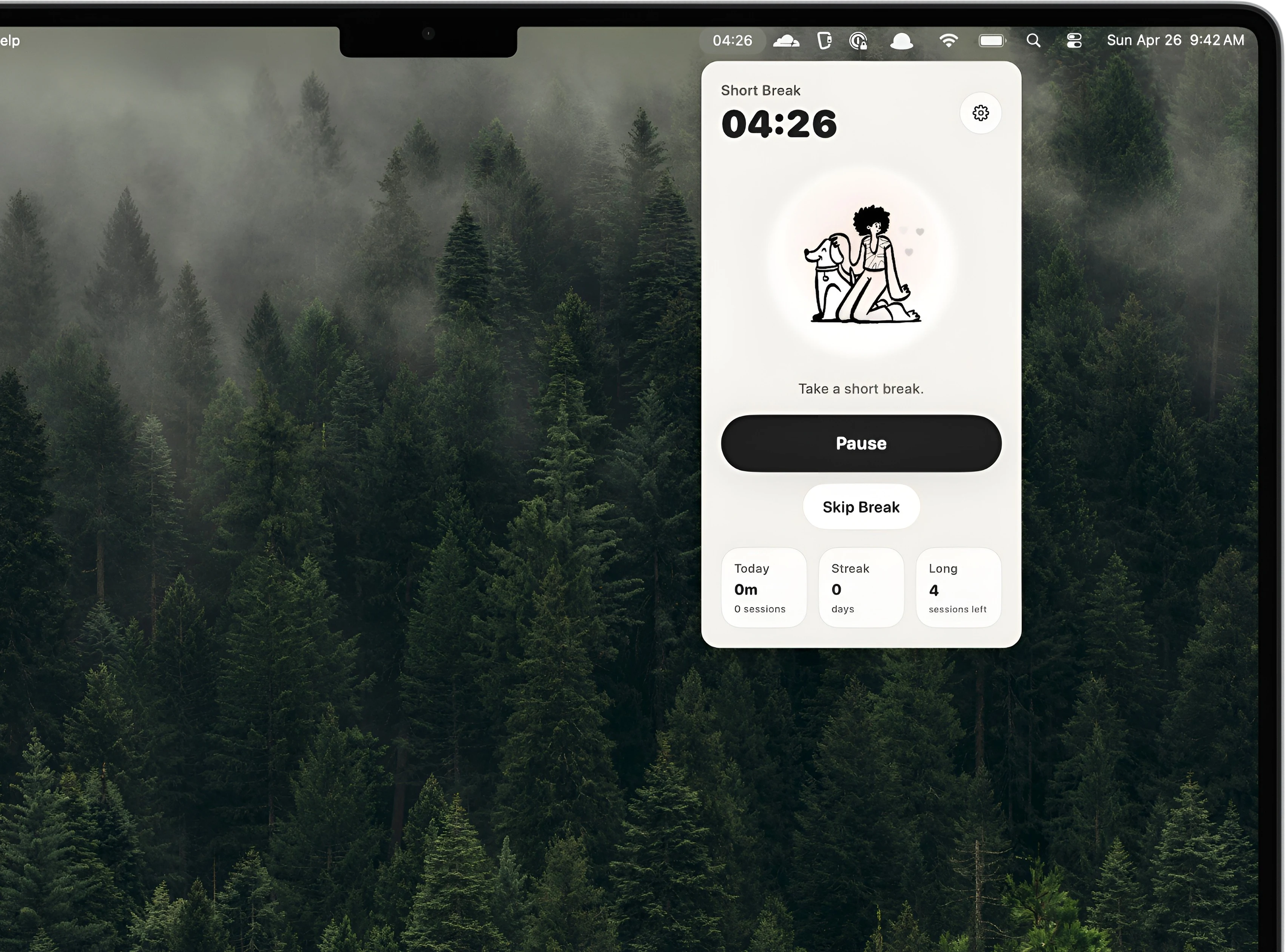
Begin from the dashboard or menu bar and give the next piece of work a clear start and end.
Pause, extend, skip, or reset when a real session does not fit a perfect timer.
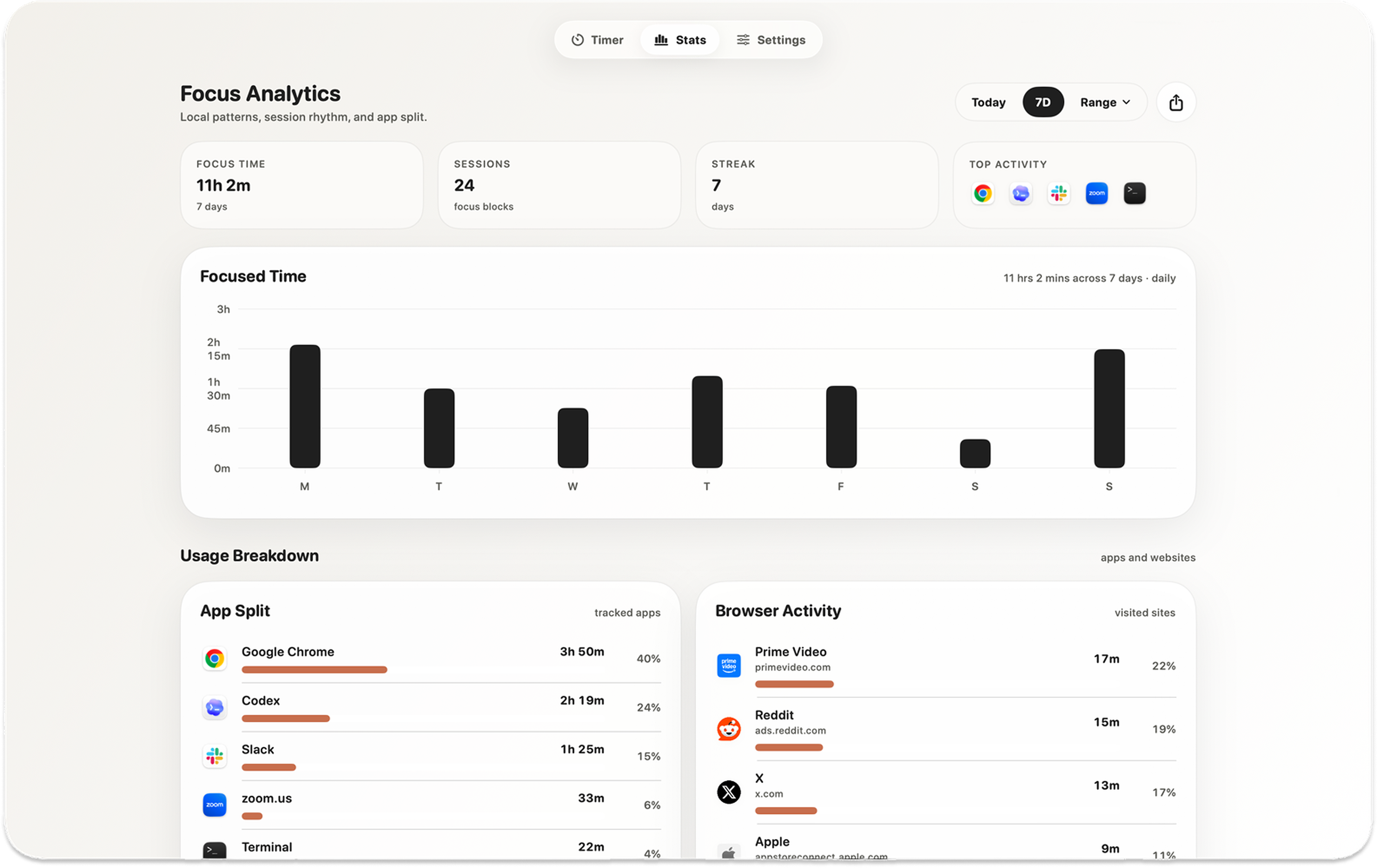
See focus time, streaks, and optional activity locally to understand which session lengths actually help.
Attention over rules
Kofe Flow gives attention a quiet container without forcing every session into the same twenty-five-minute shape.

Private by design
The timer and detailed focus history work locally, without requiring an account. Optional app and website activity remains on that Mac.
Simple pricing
Use the core timer for free. Unlock global shortcuts, extra sounds and icons, Smart nudges, and deeper history with one purchase.
No recurring subscription.

Before you download
Yes. Adjust the durations, extend a session, take a manual break, or skip a break when the work calls for a different rhythm.
Yes. The timer and detailed focus analytics work locally on your Mac without an account.
Yes. The countdown remains visible, with quick controls available while you work in another app.
Only if you enable those optional features. Detailed activity remains on that Mac. Limited event-only product analytics never includes app names, website domains, window titles, documents, or screenshots.

Download Kofe Flow for Mac and give the next piece of work a clear, flexible container.
Free to start · No account · macOS