Define the block.
Choose a duration for the piece of work in front of you instead of letting the desk session blur into the whole day.
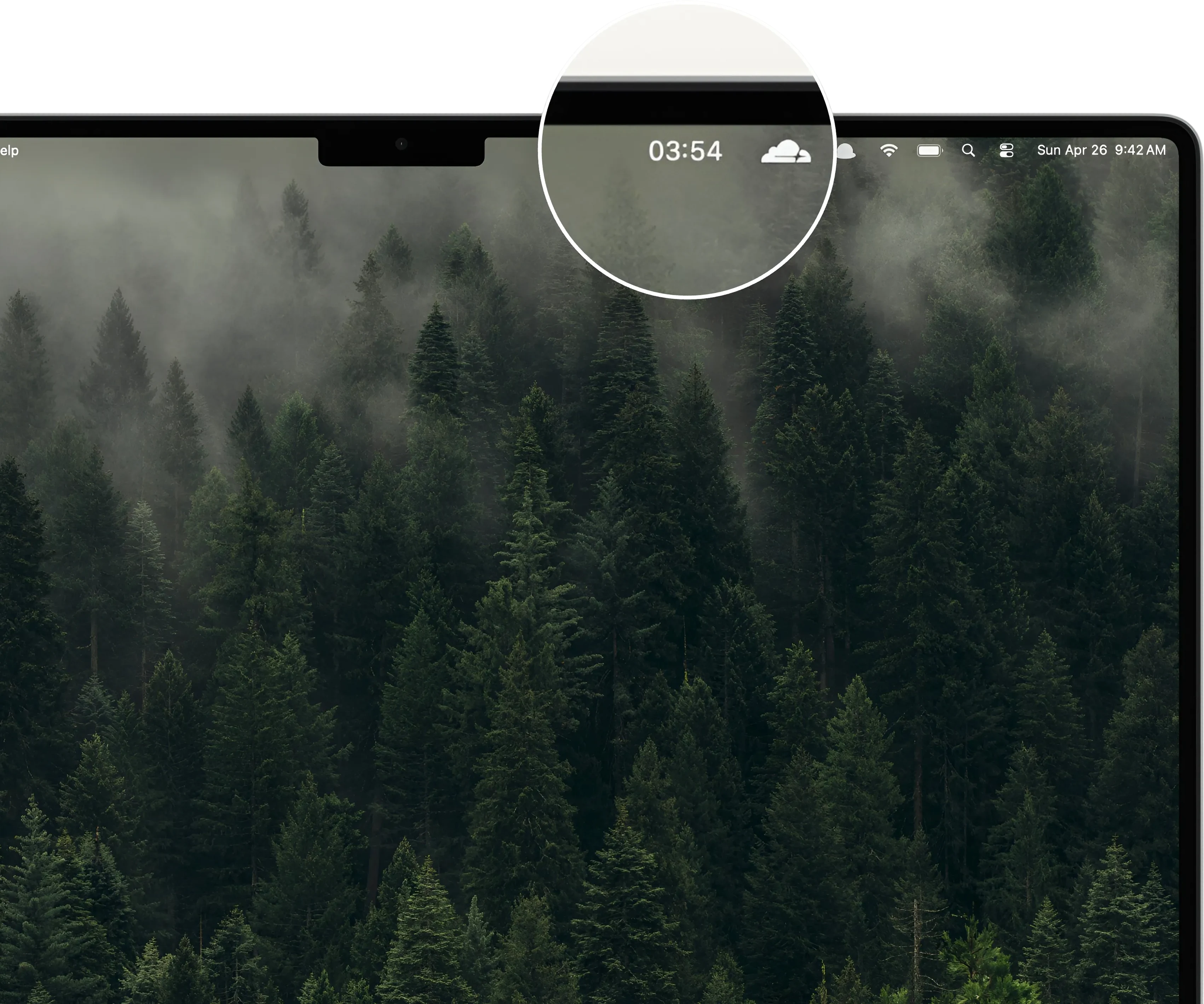

Work timer for Mac
Give the next desk session a clear start and stop, keep the countdown in sight, and take a real break without adding another task system.
Free to start · No account · No subscription

A clearer work rhythm
Useful for coding, writing, design, support, research, email, and the admin work between.
Choose a duration for the piece of work in front of you instead of letting the desk session blur into the whole day.
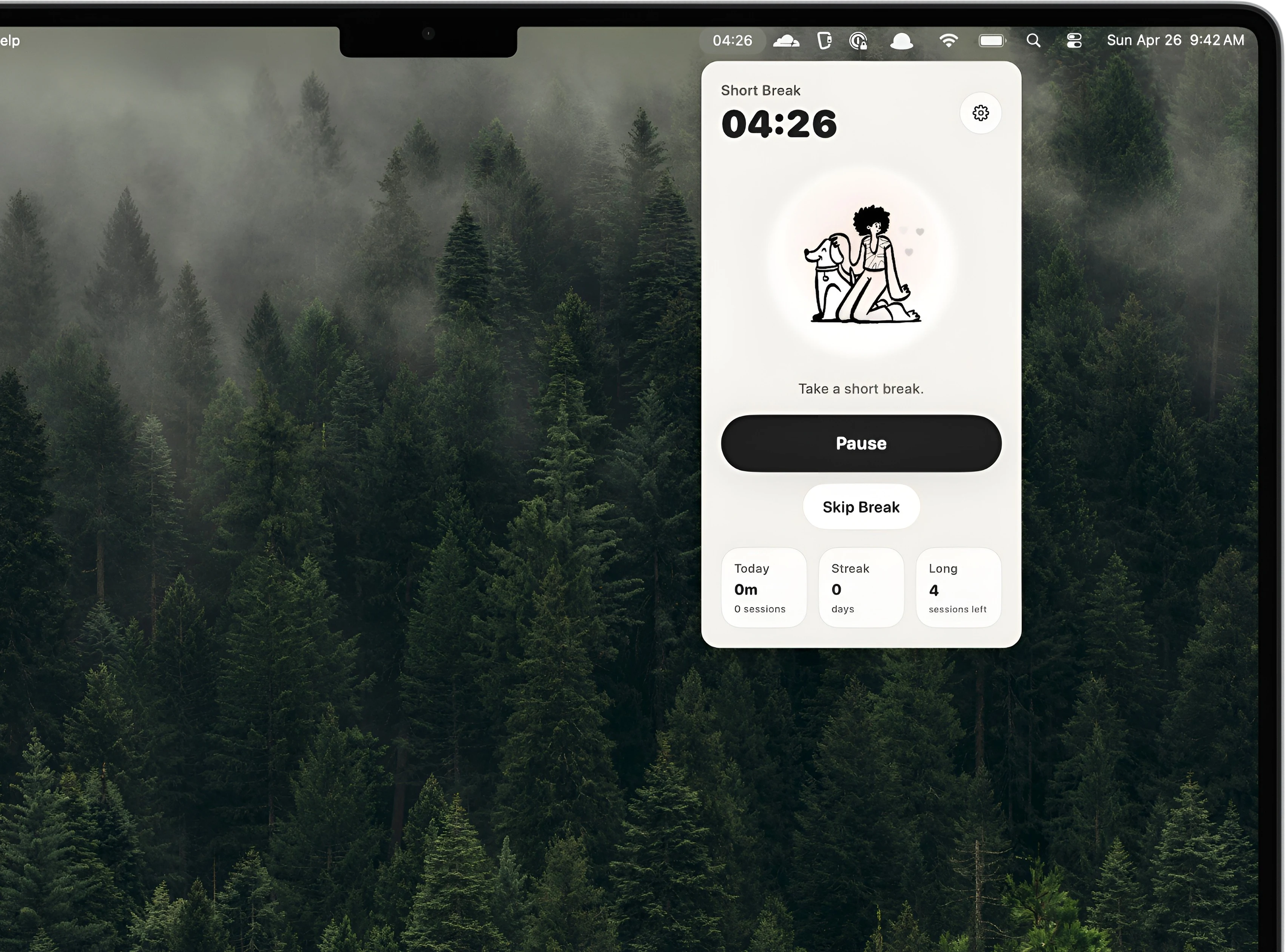
Keep time visible and adjust the session from the menu bar without reopening another productivity window.
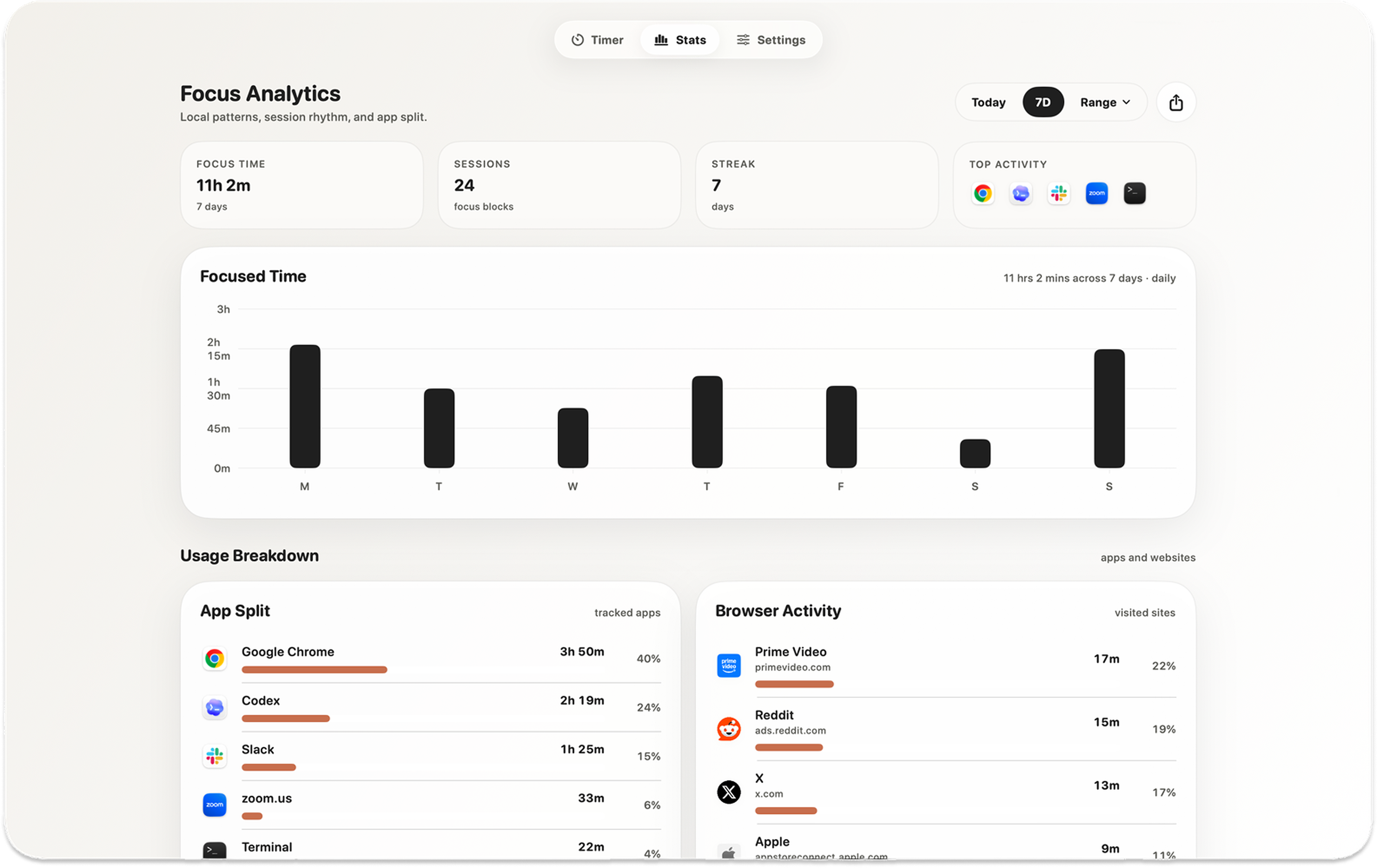
Review focus totals, streaks, and optional activity locally when you want a clearer picture of the workday.
Timer first, not task manager
Kofe Flow gives the current job a boundary while your existing notes, calendar, or project manager continue to hold the tasks.

Private by design
The timer and detailed focus history work locally, without requiring an account. Optional app and website activity remains on that Mac.
Simple pricing
Use the core timer for free. Unlock global shortcuts, extra sounds and icons, Smart nudges, and deeper history with one purchase.
No recurring subscription.


Before you download
Yes. Set durations around the work, then pause, extend, skip, or reset when the day changes.
No. It is timer-first and works alongside the notes, calendar, or project manager you already use.
Yes. The timer and detailed focus analytics work locally on your Mac without an account.
Only if you enable those optional features. Detailed activity remains on that Mac. Limited event-only product analytics never includes app names, website domains, window titles, documents, or screenshots.

Download Kofe Flow for Mac and give the next desk session a clear, calm boundary.