Reading blocks
Set a session for a chapter, article, or paper and keep the time visible.
Study Timer for Mac
Kofe Flow gives students and self-learners a calm Mac timer for reading, writing, lectures, exam prep, and long desk sessions.

Phone timers pull you toward the device you are trying to ignore. Browser timers disappear behind tabs. Kofe Flow keeps the countdown on your Mac, in the menu bar, where you can see it without leaving your notes or assignment.
Set a session for a chapter, article, or paper and keep the time visible.
Use short focus blocks to draft, revise, or push through a problem set.
Short and long breaks help prevent one endless study blur.
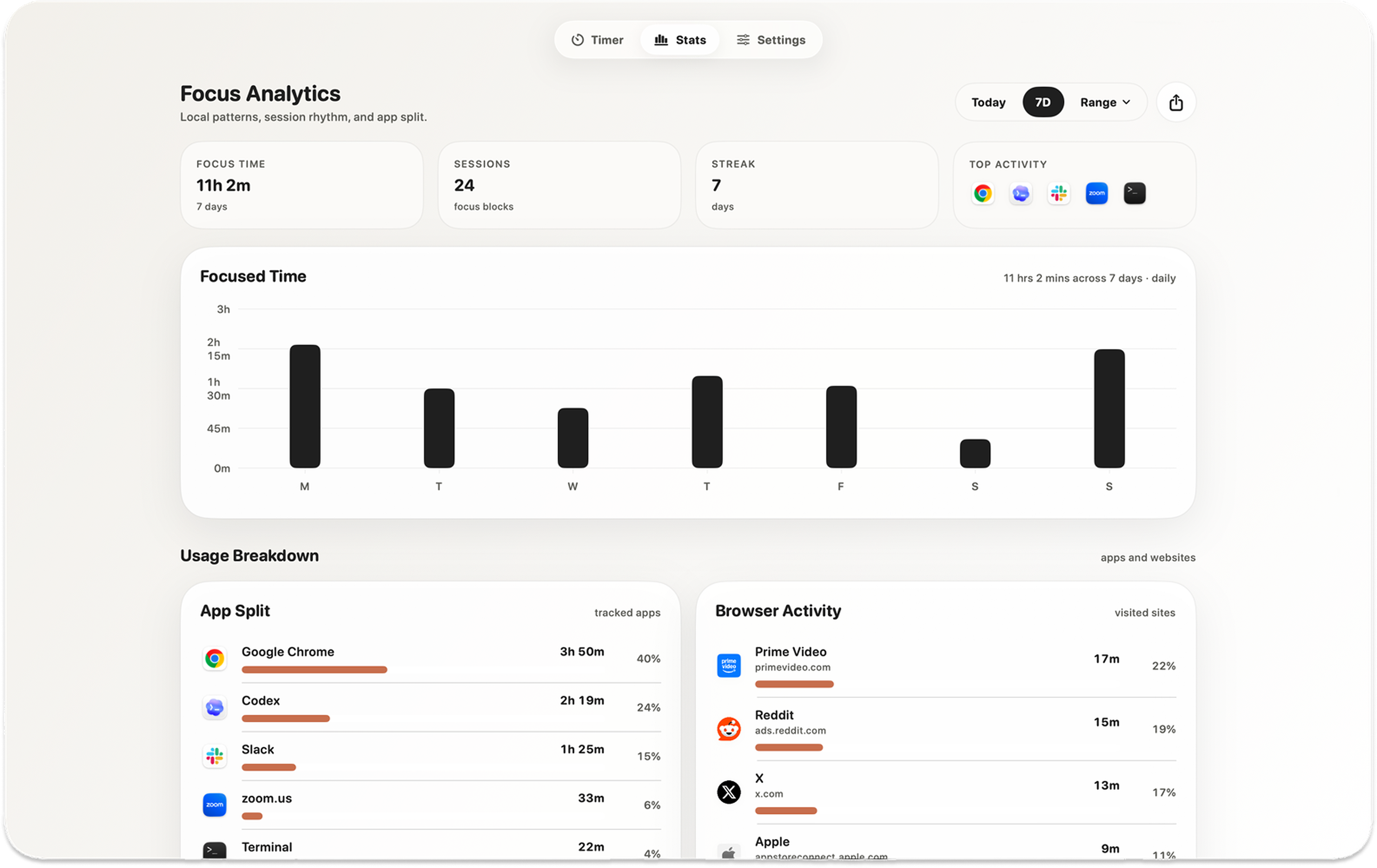
Review study consistency locally, or use optional Lifetime Pro sync for timer state and completed focus history. Detailed Mac app and website activity stays on your Mac.
Yes. It works well for reading, writing, lectures, exam prep, and other study sessions that benefit from timed blocks and breaks.
Yes. You can adjust focus and break durations instead of using only a 25-minute session.
Kofe Flow for Mac & iPhone
Free to start. No Kofe Flow account. Optional one-time Pro.