

Always visible
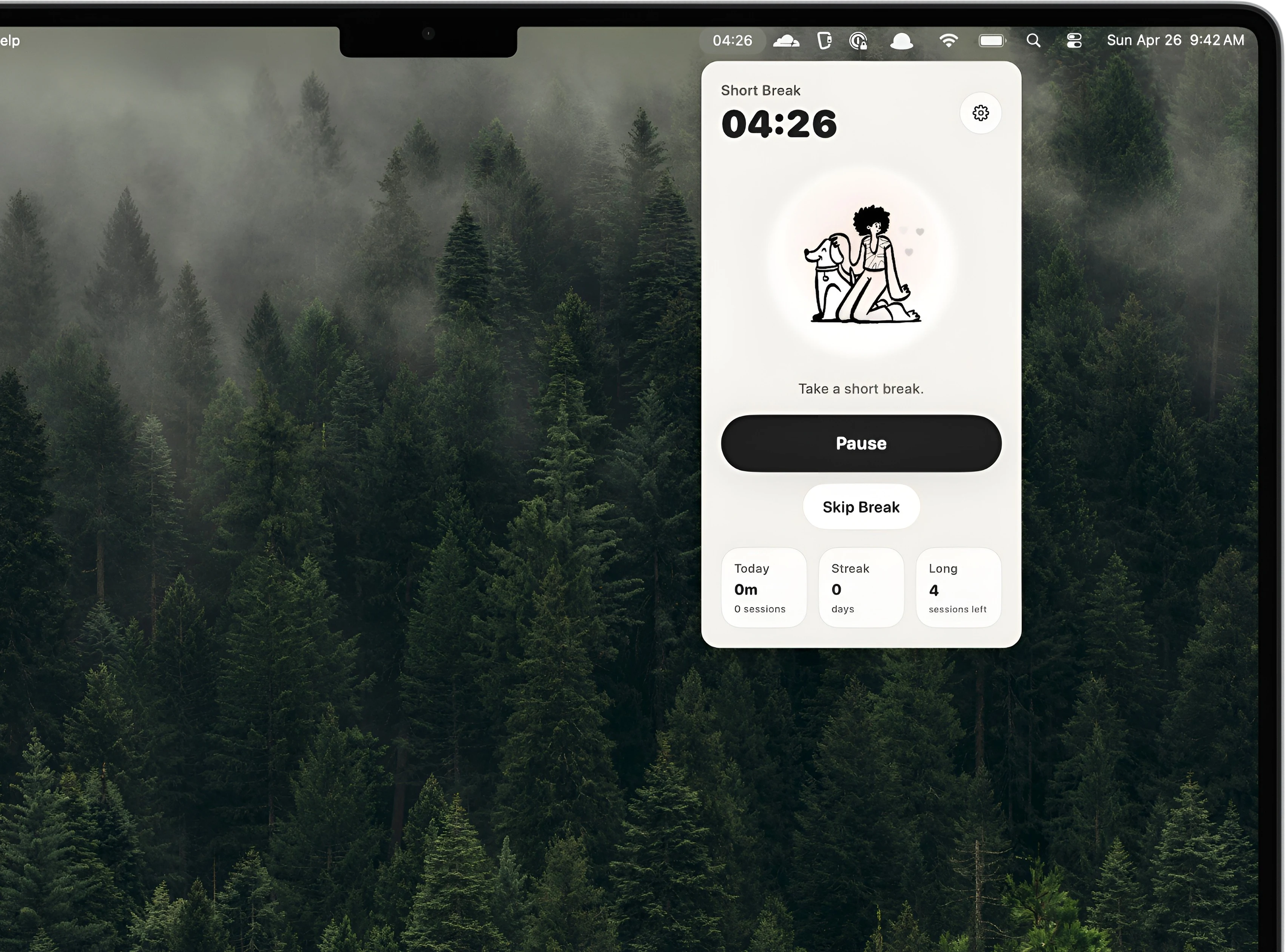
The countdown sits in the menu bar where it can be checked in one glance.
Menu Bar Timer for Mac
Kofe Flow keeps a countdown in the menu bar so you can time work blocks, breaks, writing sprints, study sessions, and meetings without opening a separate timer window.
A free Mac App Store timer with no accounts, no cloud sync, and local focus analytics.

A Mac menu bar timer is useful because it stays visible while the rest of your screen belongs to the work. You can check time left without switching tabs, unlocking a phone, or opening a full productivity dashboard.
The countdown sits in the menu bar where it can be checked in one glance.
Start, pause, reset, skip, or extend the current session from a compact popover.
Use it as a simple countdown timer or as a Pomodoro timer with short and long breaks.
Kofe Flow is still small, but it adds the focus pieces general timers often miss: Pomodoro sessions, clean breaks, optional Smart nudges, local notifications, and private focus history.
Yes. You can use it as a Mac menu bar countdown timer, and it also supports Pomodoro-style focus and break sessions.
No. Kofe Flow works without sign-in, cloud sync, ads, or cross-app tracking.