Timer settings
Focus length, break length, appearance, and notification preferences stay on device.
Private Pomodoro Timer
Kofe Flow shows where focus time went while keeping your sessions, settings, apps, and websites local on your Mac.
No accounts. No ads. No cloud sync. No session replay.
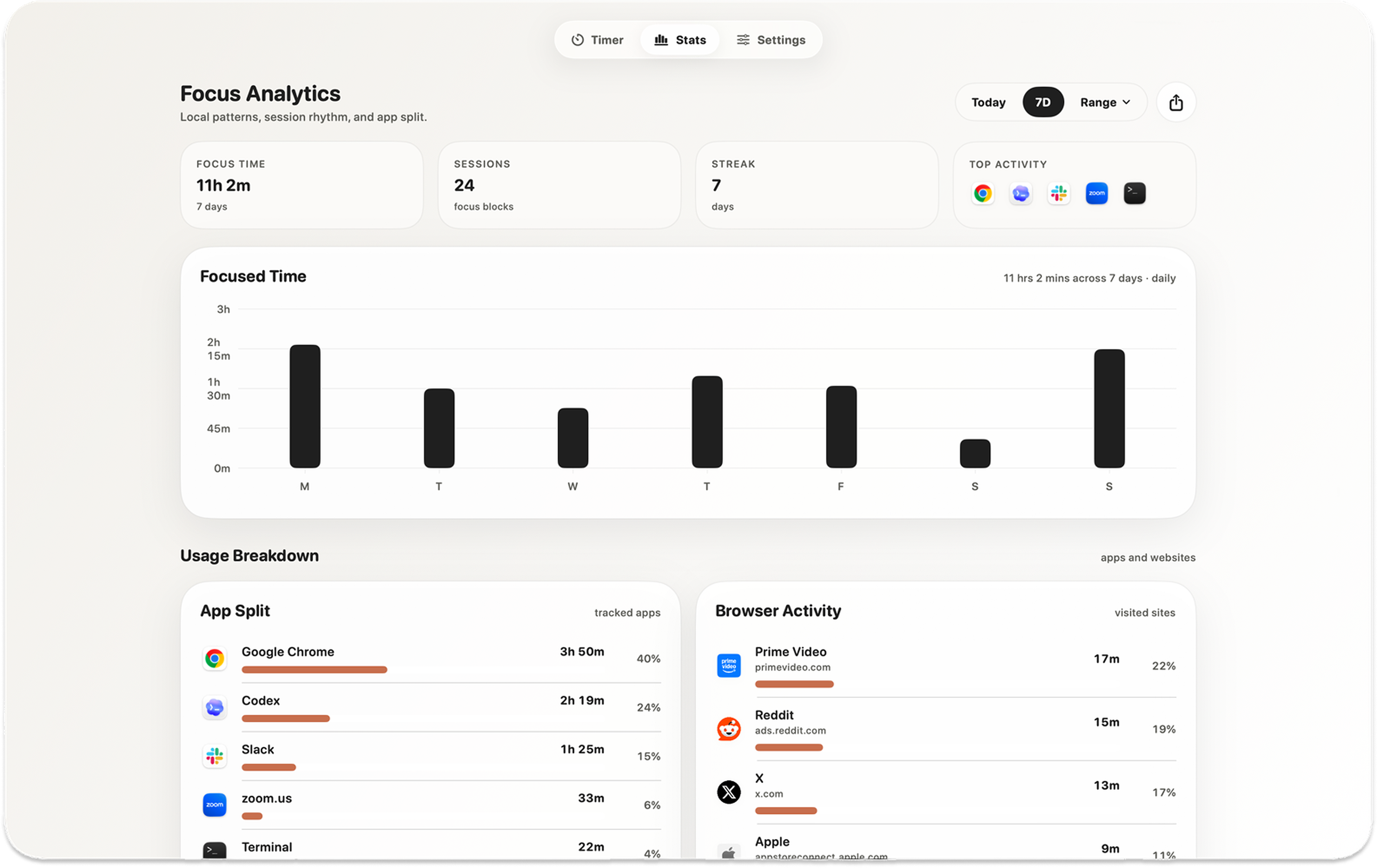
Screenshot note The analytics view helps you review the day without turning your focus history into an account somewhere else.
Kofe Flow is built for people who want useful focus insight without building a profile in someone else's cloud. The timer can be helpful, personal, and still private.
Focus length, break length, appearance, and notification preferences stay on device.
Completed sessions and recent focus totals are stored locally on your Mac.
If enabled, app names, website domains, and focused-time totals stay local too.
The privacy boundary is simple: Kofe Flow keeps focus history local and only sends limited event-only product analytics.
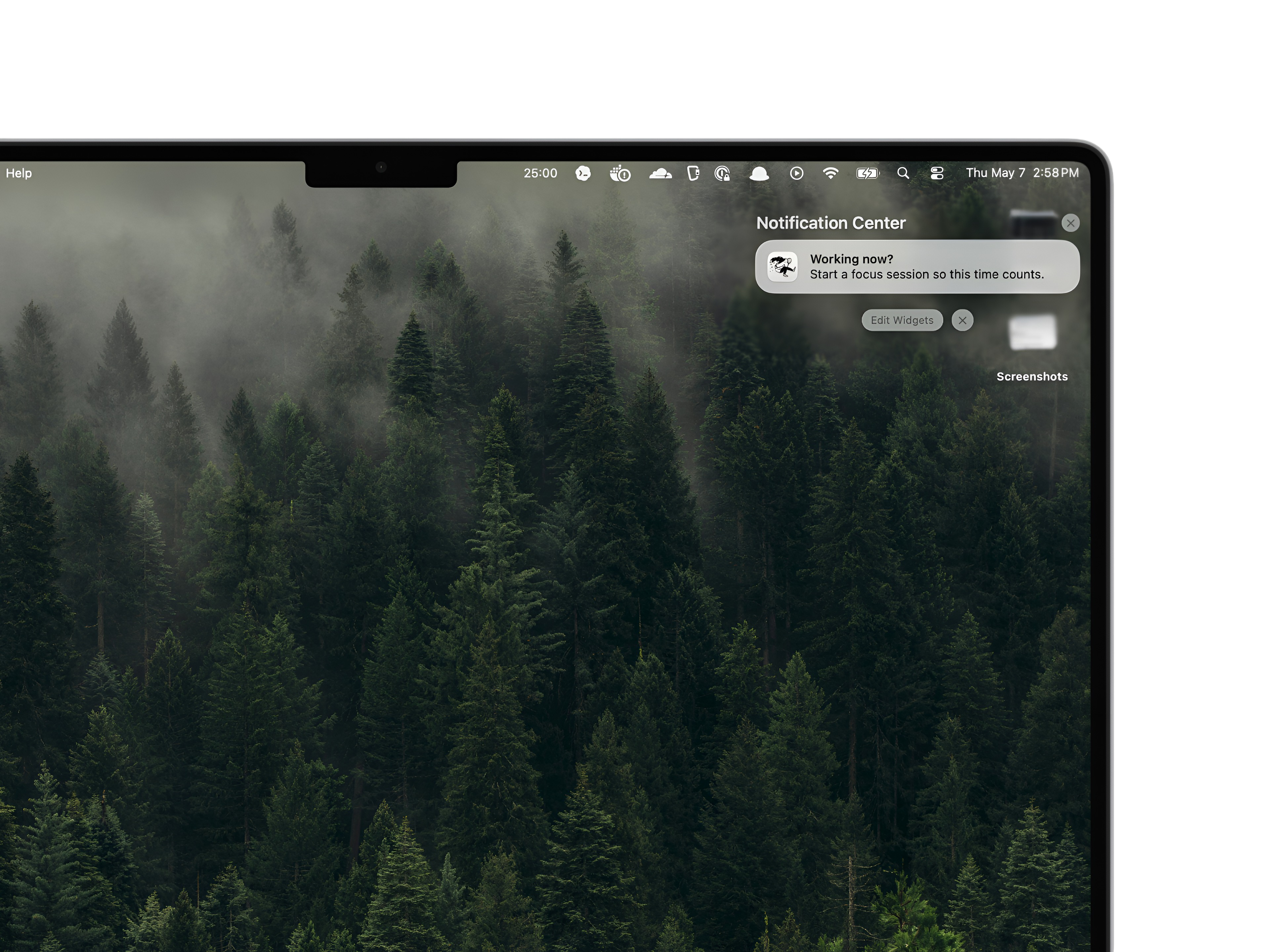
No. Focus history and optional app and website activity are stored locally on your Mac. Kofe Flow sends limited event-only product analytics without user content, app names, URLs, titles, screenshots, or session replay.
No. There is no sign-in, account creation, cloud sync, ads, or cross-app tracking.