No task clutter
Bring your own task list. Kofe Flow only manages the focus rhythm.
Minimal Pomodoro Timer
Kofe Flow strips the workflow down to focus, break, menu bar controls, and local history. No task database. No team workspace. No account.
A lightweight Mac timer for people who want less software between them and the work.

A minimal timer should still handle the moments that break focus: starting quickly, seeing time left, extending a session, taking a real break, and checking whether your week is improving.
Bring your own task list. Kofe Flow only manages the focus rhythm.
Install it, start a timer, and keep your data on your Mac.
Kofe Flow is free to start, with optional Lifetime Pro for advanced controls.
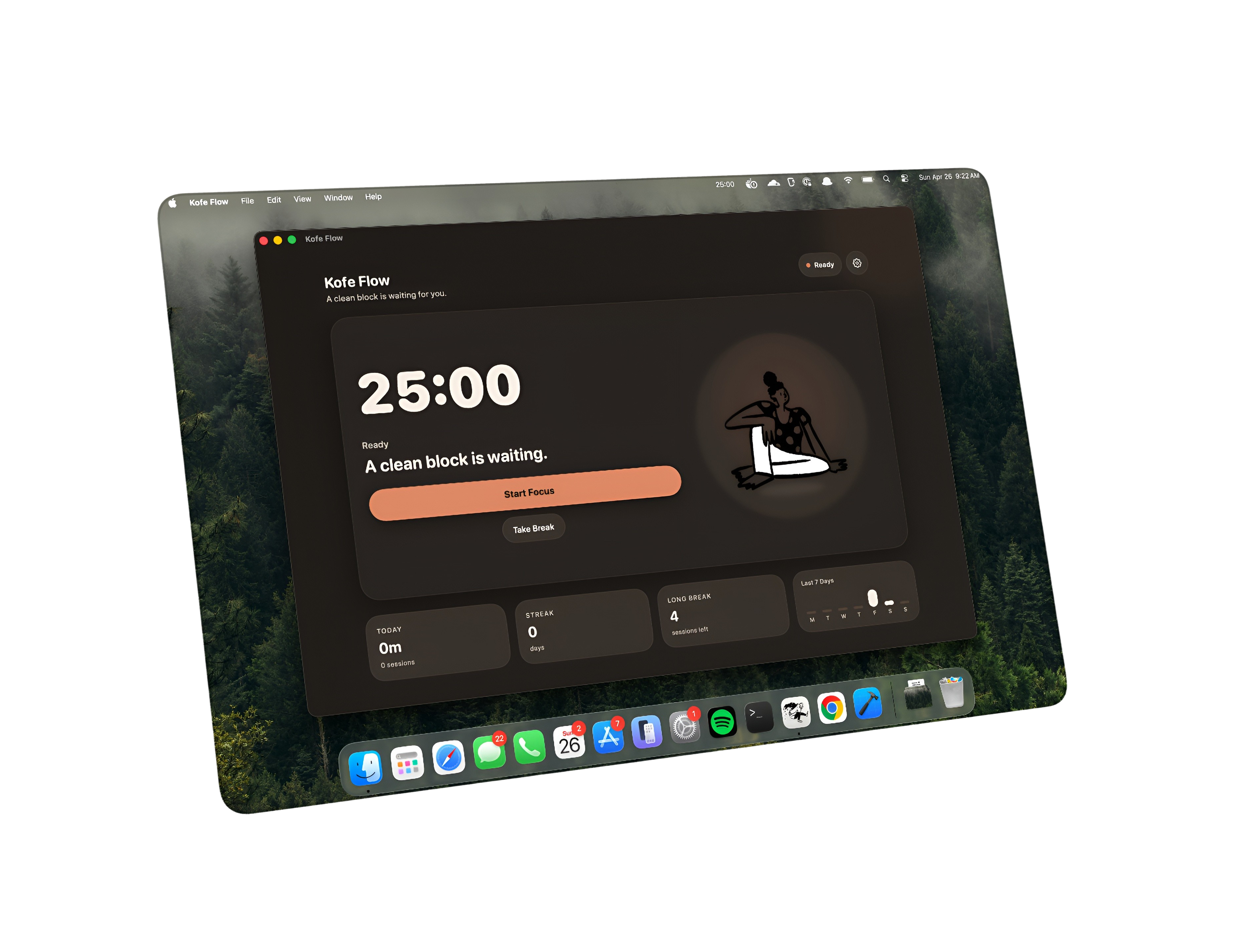
The menu bar popover gives you the controls you need during a session while the dashboard handles settings and analytics when you choose to open it.
Yes. It focuses on timer controls, clean breaks, private focus history, and menu bar visibility instead of task management or cloud features.
No. Kofe Flow is free to start on the Mac App Store, has optional Lifetime Pro, and does not include recurring subscriptions.