

Focus and breaks
Use focus sessions, short breaks, long breaks, manual breaks, skip, reset, and extensions.
Free Pomodoro Timer for Mac
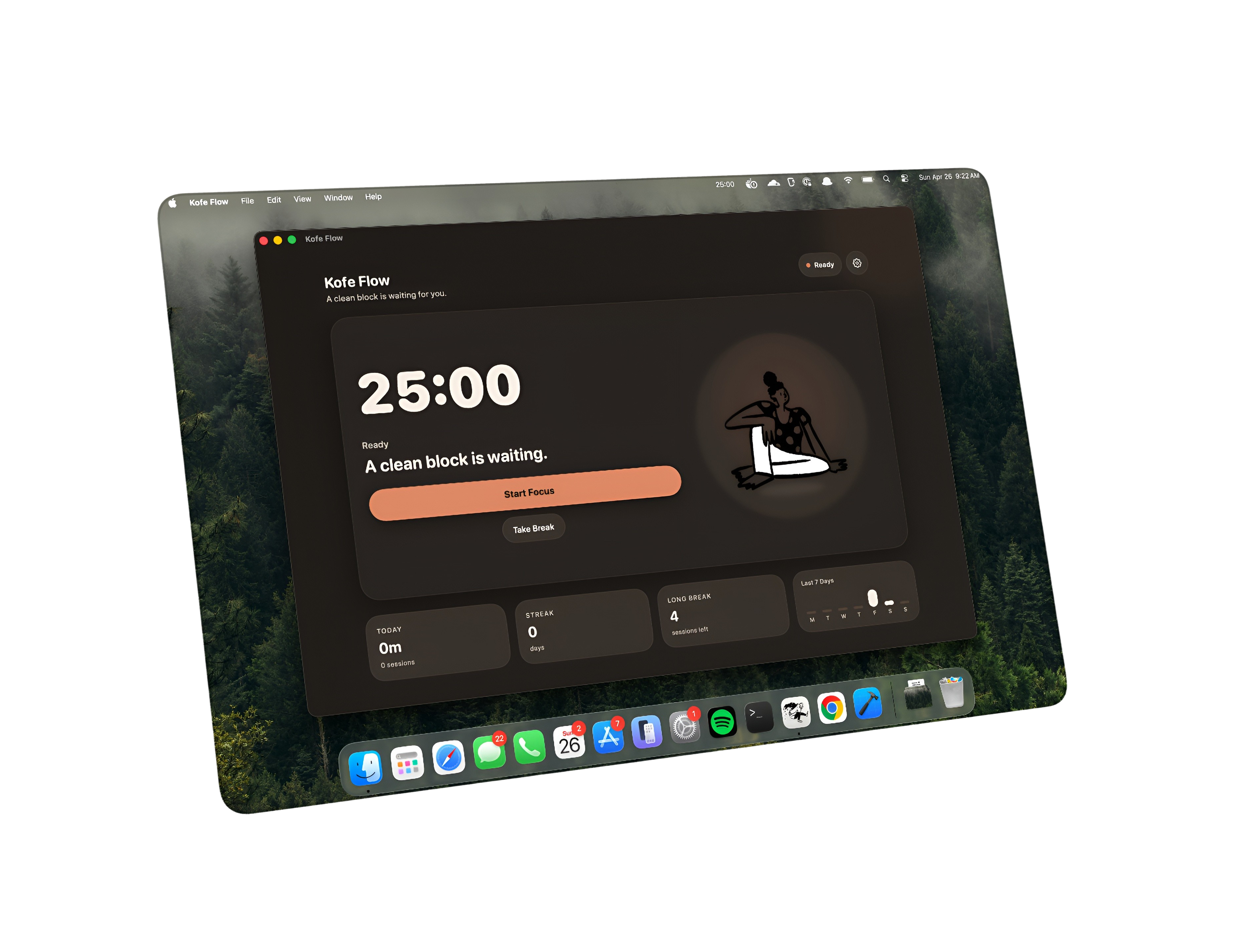
Kofe Flow is free to start on the Mac App Store: a calm Pomodoro timer with a menu bar countdown, clean breaks, and private focus history without sign-in.
No accounts. No ads. No app tracking. No cloud sync. Optional Lifetime Pro.

A free Pomodoro app should still feel complete for everyday focus. Kofe Flow keeps the core flow simple: start a focus session, see the countdown, take breaks, and watch today's focus time add up.
Use focus sessions, short breaks, long breaks, manual breaks, skip, reset, and extensions.
Keep time visible and control the timer without opening a full dashboard.
See today's focus time stored on your Mac, not in a cloud account.
Kofe Flow is built for people who want less software around the work. It does not add ads, social feeds, team workspaces, or mandatory accounts to the timer experience.
Yes. Kofe Flow is free to start on the Mac App Store and does not require a subscription for the timer workflow. Lifetime Pro is an optional one-time purchase.
No. Kofe Flow works without account creation, cloud sync, or app tracking.