FOCUS GUARD · IPHONE
Choose what
can wait.
Pick the apps and websites to block during focus.
Optional. Requires Screen Time permission.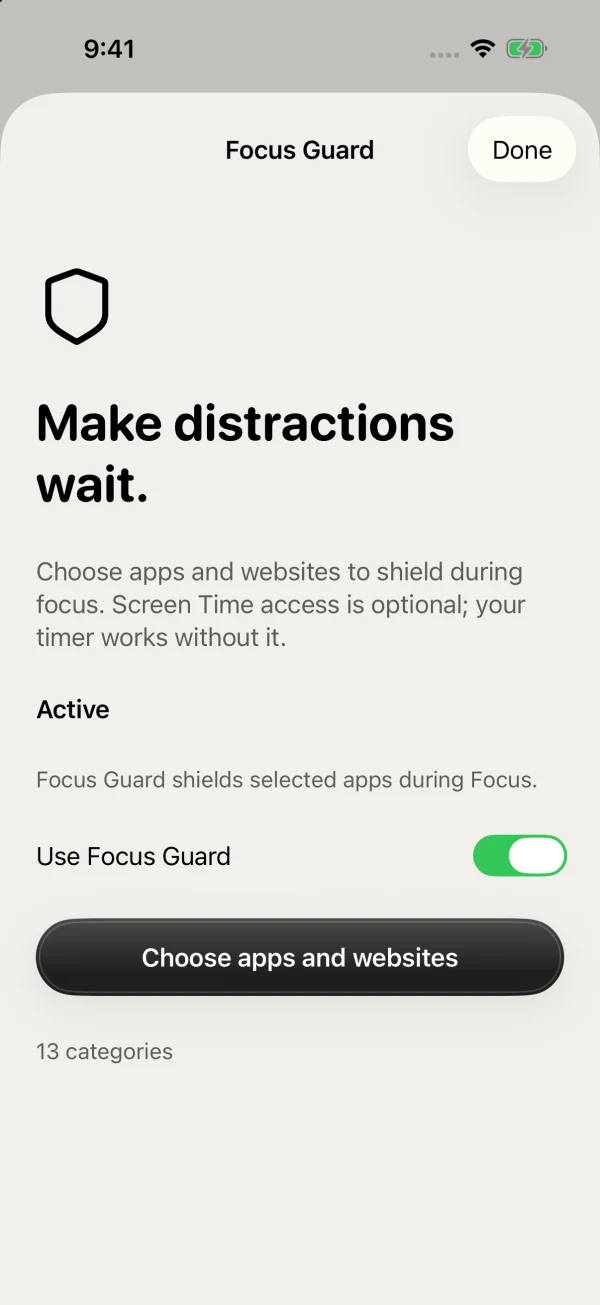
 Kofe FlowGet Kofe Flow ↗
POMODORO TIMER FOR MAC & IPHONE
A calm Pomodoro timer for deep work and better breaks.
At your desk or away from it.


Free to start · No account · No subscription

MENU BAR · LIVE ACTIVITIES · WIDGETS
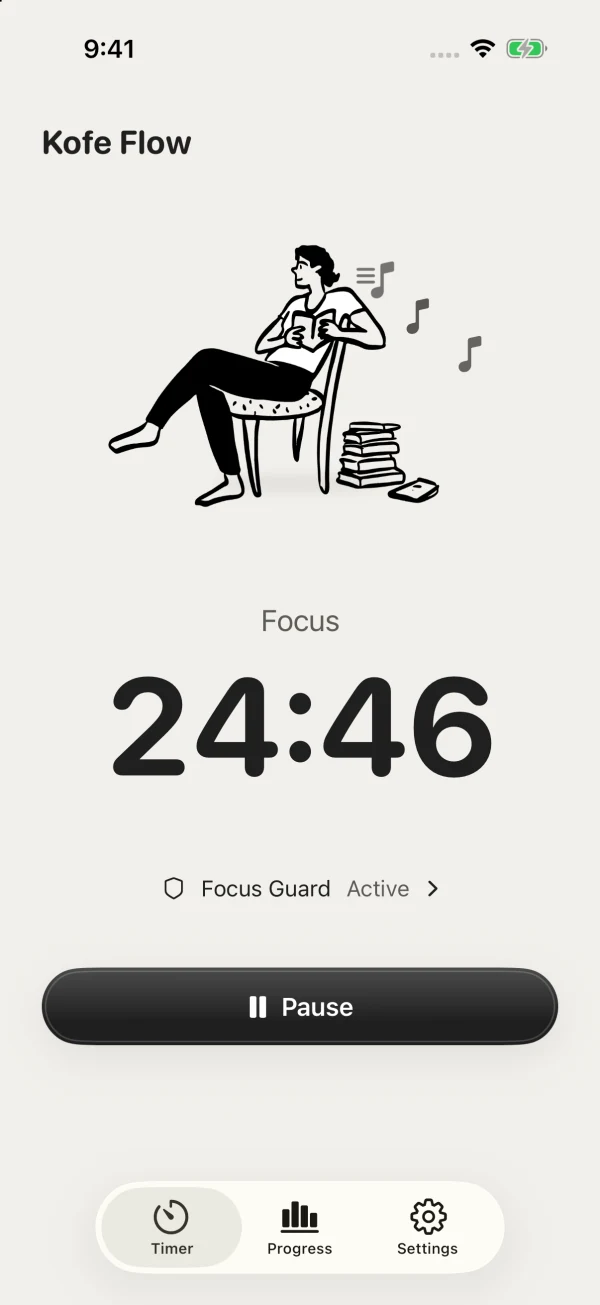
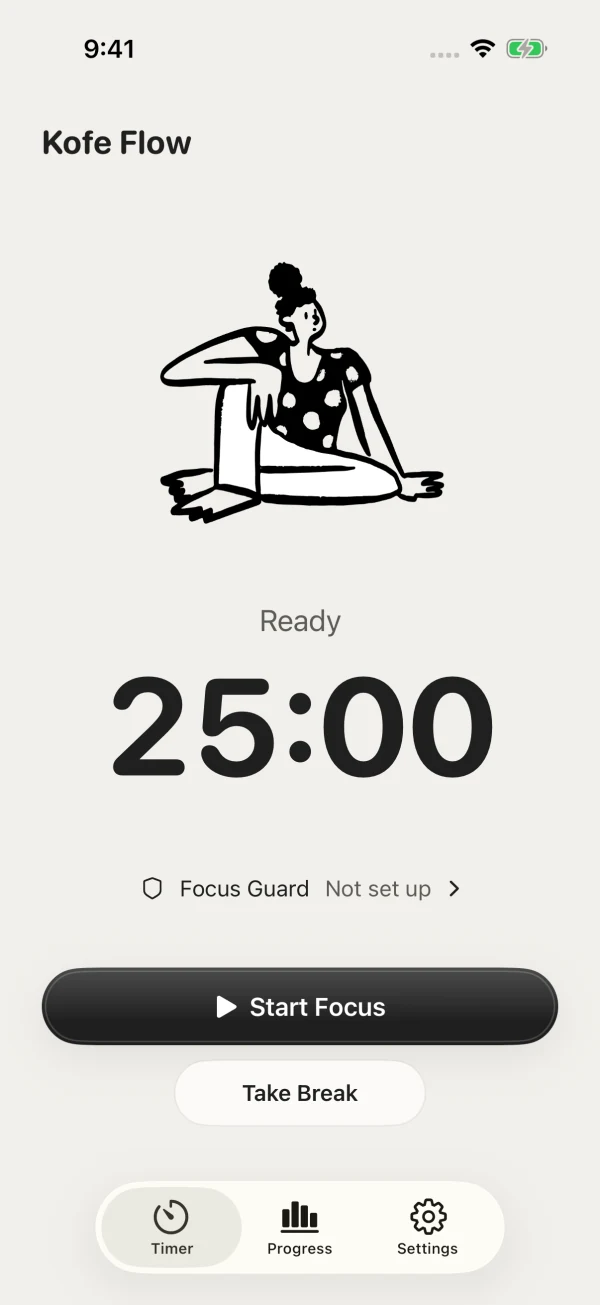
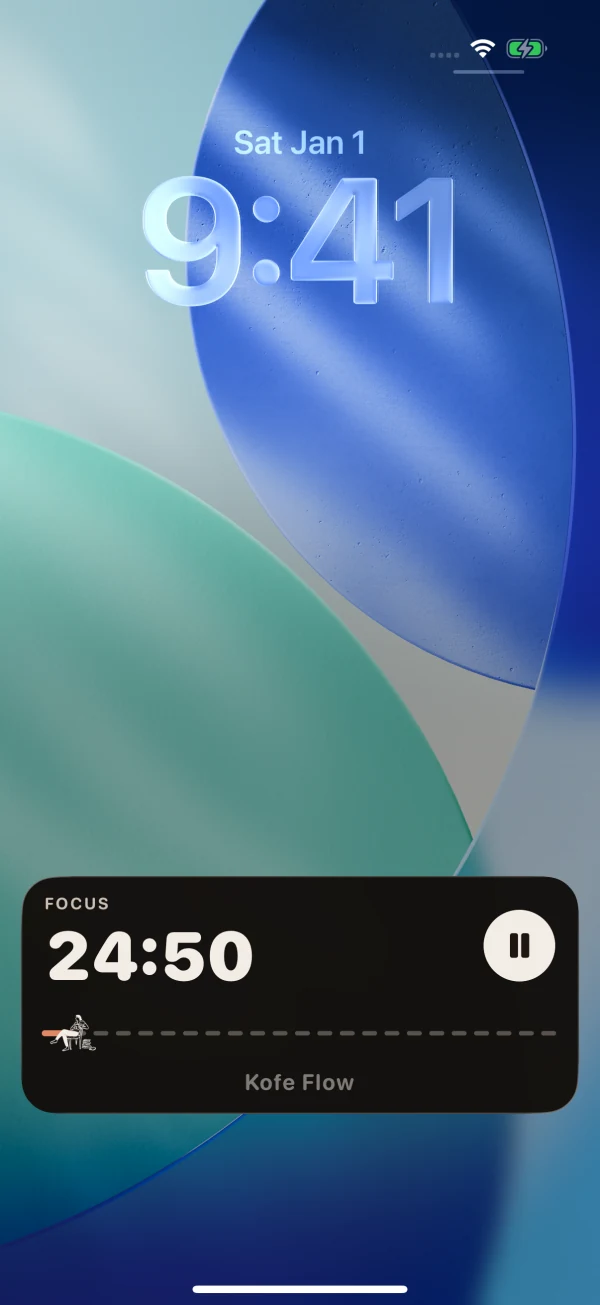
In your Mac menu bar or on your iPhone Lock Screen. Start, pause, or take a break without losing your place.
FOCUS GUARD · IPHONE
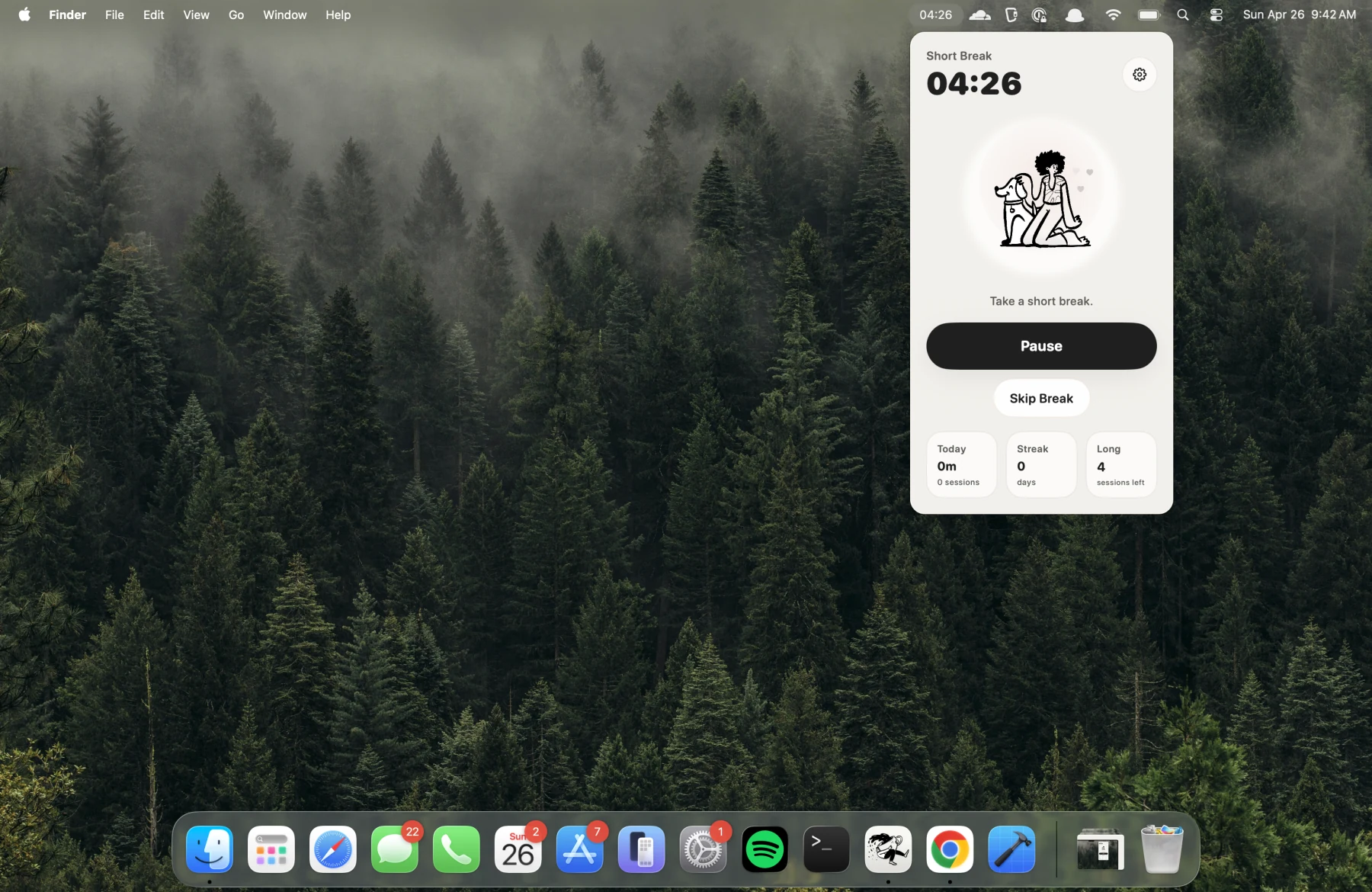
Pick the apps and websites to block during focus.
Optional. Requires Screen Time permission.SMART NUDGES · MAC
Timely suggestions to start or pause. Generated locally on your Mac.

Start a focus session so this time counts.
REDDIT · R/MACAPPS
100+ upvotes100+ comments
Read the original Reddit discussion ↗“I deleted all the other apps
and only kept Kofe.”
From the r/macapps discussion
FOCUS INSIGHTS · MAC + IPHONE
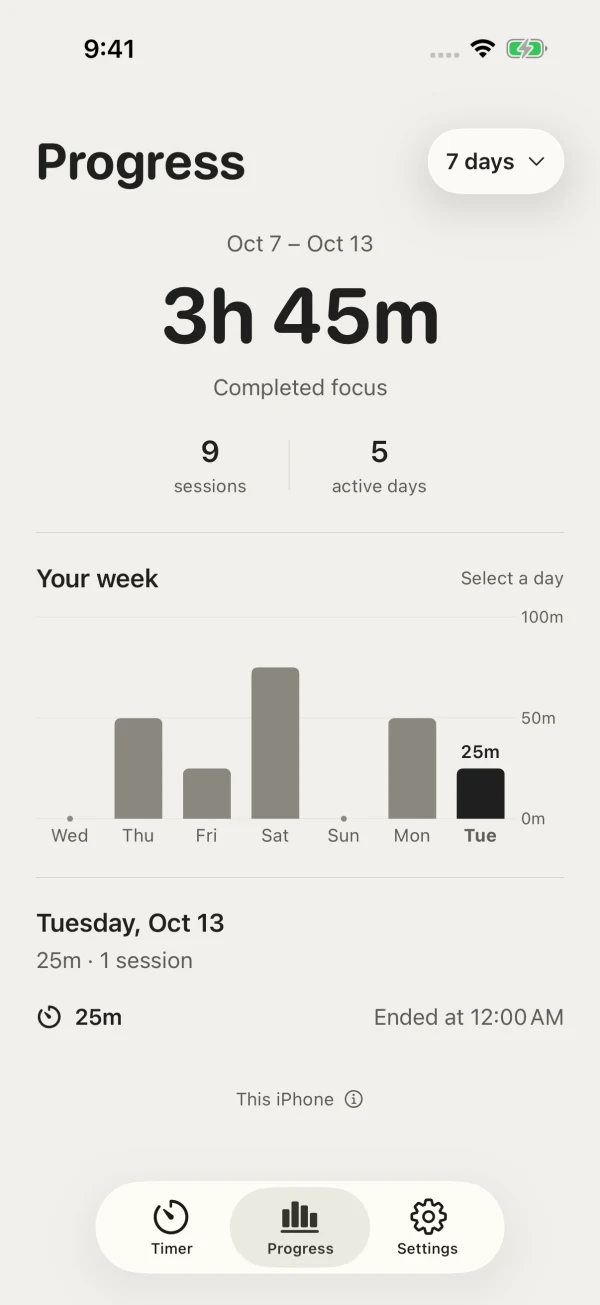
See completed focus time on both devices. Explore streaks, top apps, and websites on Mac.
App and website tracking is optional. That detail stays on your Mac.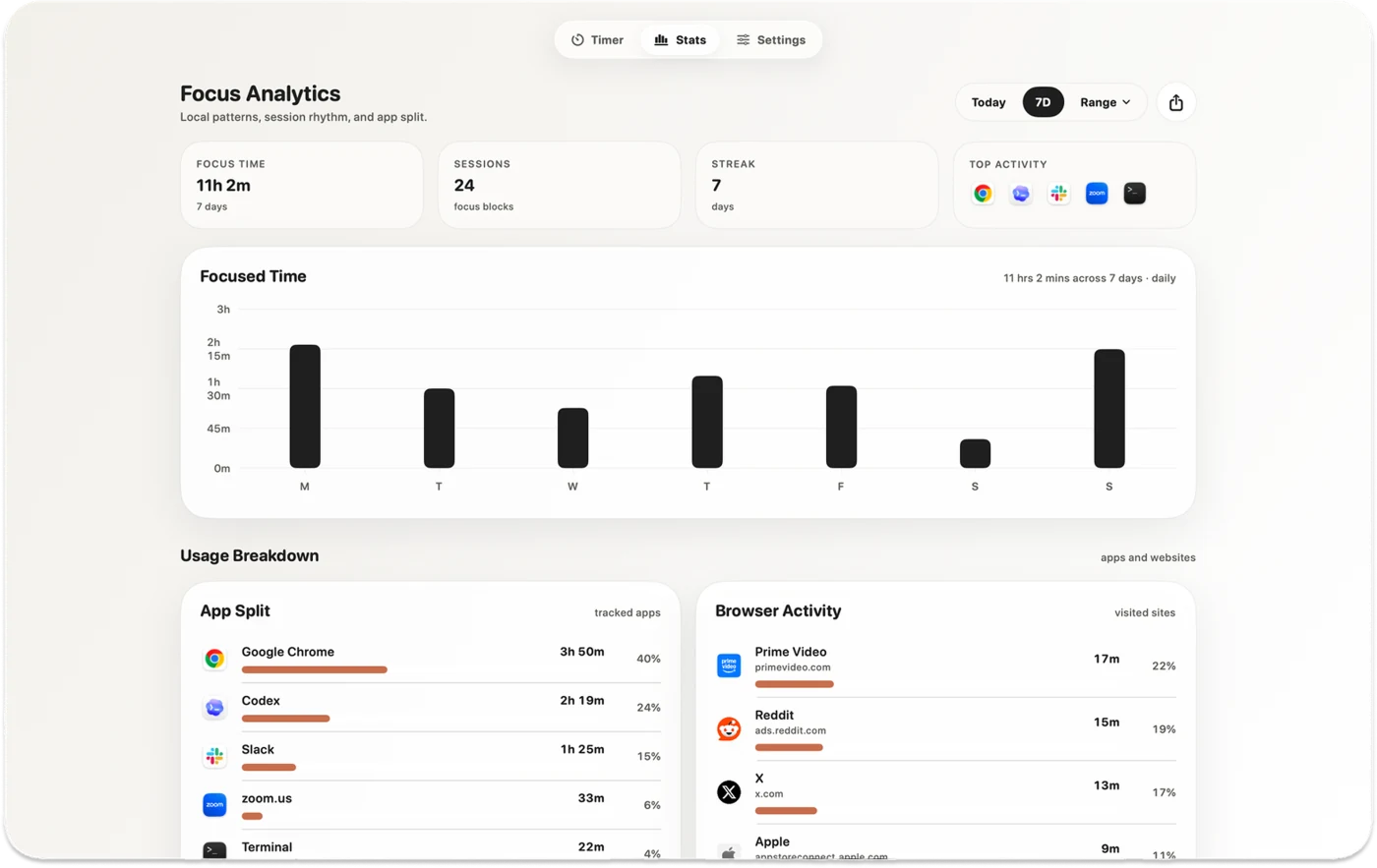
FOCUS PERSONA · MAC
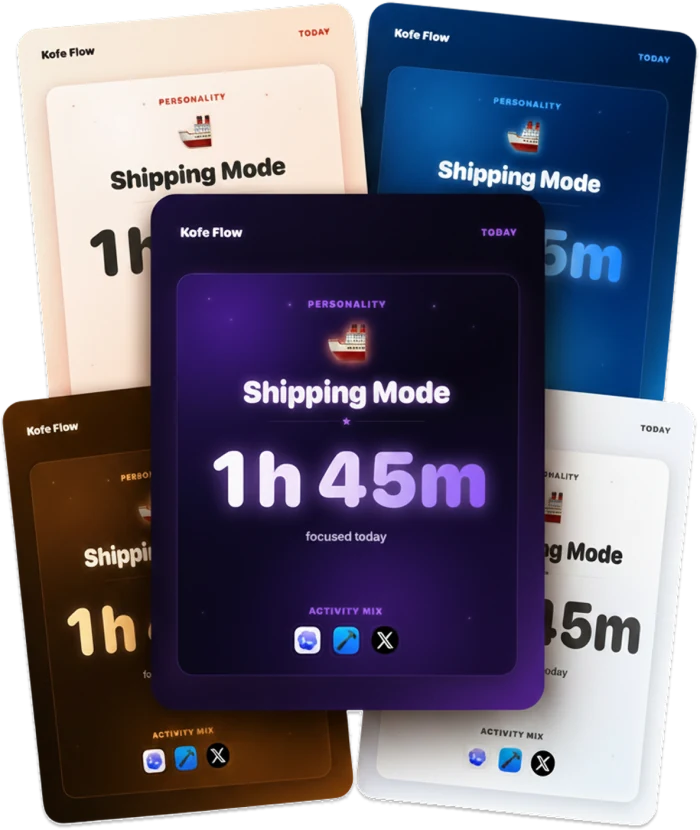
Your focused hours, top apps, and work style in a shareable card. Or keep it for yourself.
DEVICE SYNC · LIFETIME PRO
Start on Mac. Pause on iPhone. Your timer and completed focus history stay in sync.
Requires Lifetime Pro and iCloud availability.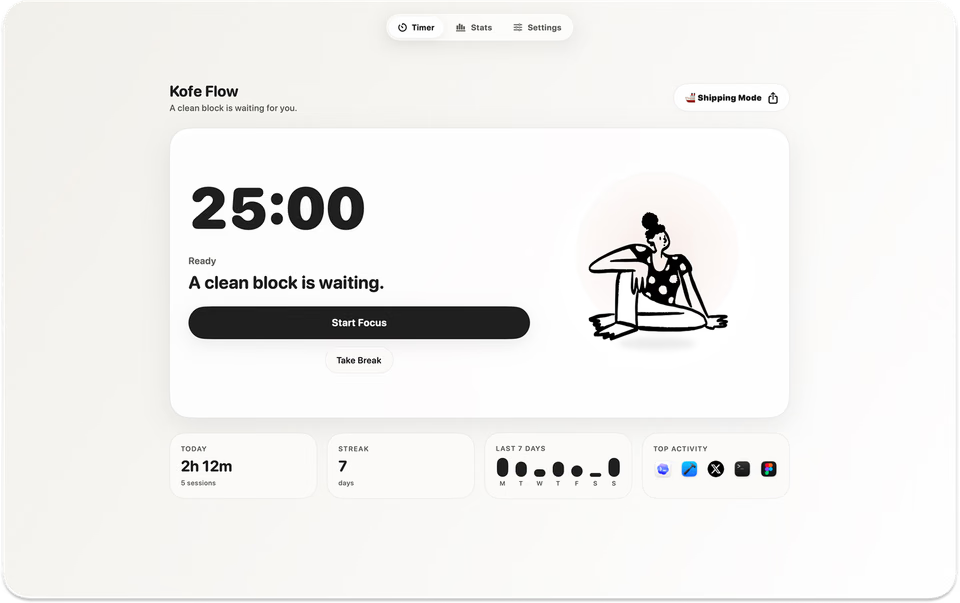
Adjust focus and break durations. Start, pause, extend, skip, or reset. Use light or dark mode.
Pro adds global keyboard shortcuts, custom sounds, menu bar icons, Dock visibility, and dashboard launch controls.
Adjust focus, short breaks, and long breaks. Use widgets, Live Activities, Shortcuts, and session-end notifications.
Seven-day progress is free. Pro adds up to 360 days of history and Live Activities that follow changes from your Mac.
MAC APP STORE REVIEWS
“Love how this timer just sits in my menu bar and quietly keeps me going.”
“Something minimalist that’s easy to use and works well.”
“It just does what it needs to do.”
PRIVATE BY DESIGN
No account. No ads. App and website tracking is optional, and that detail stays on your Mac.
Limited anonymous product analytics never include your app names, websites, documents, or screenshots.Privacy policy ↗ONE PURCHASE · MAC + IPHONE
Timer, breaks & iPhone Focus Guard.
Device sync, longer history & more Mac controls.
One purchase covers Mac + iPhone. No subscription.
Free Focus and breaks on both platforms; Mac menu bar controls and local history; iPhone Focus Guard, widgets, local Live Activities, and seven-day progress.
Lifetime Pro Mac–iPhone sync, remote Live Activity updates, extended analytics, up to 360 days of iPhone history, Mac shortcuts, sounds, and app controls.
One purchase covers both apps. Current local price is shown in the app before purchase. No subscription.
Yes. Each works on its own. Optional Mac–iPhone sync is included in Lifetime Pro.
Yes. Local focus sessions and breaks work offline. Cross-device sync and remote Live Activity updates need a connection.
Timer state, timer controls, and completed focus history. Sync requires Lifetime Pro and iCloud availability. Mac app and website activity never leaves that Mac.
Yes. Use the same Apple Account for purchases on Mac and iPhone. Choose Restore Purchases if your upgrade is not already available.
Yes. Focus Guard needs Screen Time permission on iPhone. It’s optional; the timer works without it.
Mac + iPhone · Free to start · No subscription


