

Mac native
Designed around normal macOS desktop work instead of a browser-only timer.
Pomodoro Timer OSX
If you are searching for a Pomodoro timer for OSX, you probably want a Mac-native timer that fits the desktop. Kofe Flow is built for modern macOS with menu bar controls, clean breaks, and private focus history.
Built for current macOS versions, with no accounts or app tracking.

Many people still type OSX when they mean Mac. Kofe Flow is not a legacy utility; it is a modern Mac Pomodoro timer for people who want a simple native countdown, menu bar controls, local notifications, and a quiet dashboard.
Designed around normal macOS desktop work instead of a browser-only timer.
Keep time visible while writing, coding, studying, or working in another app.
Focus history and optional app and website activity stay local on your Mac.
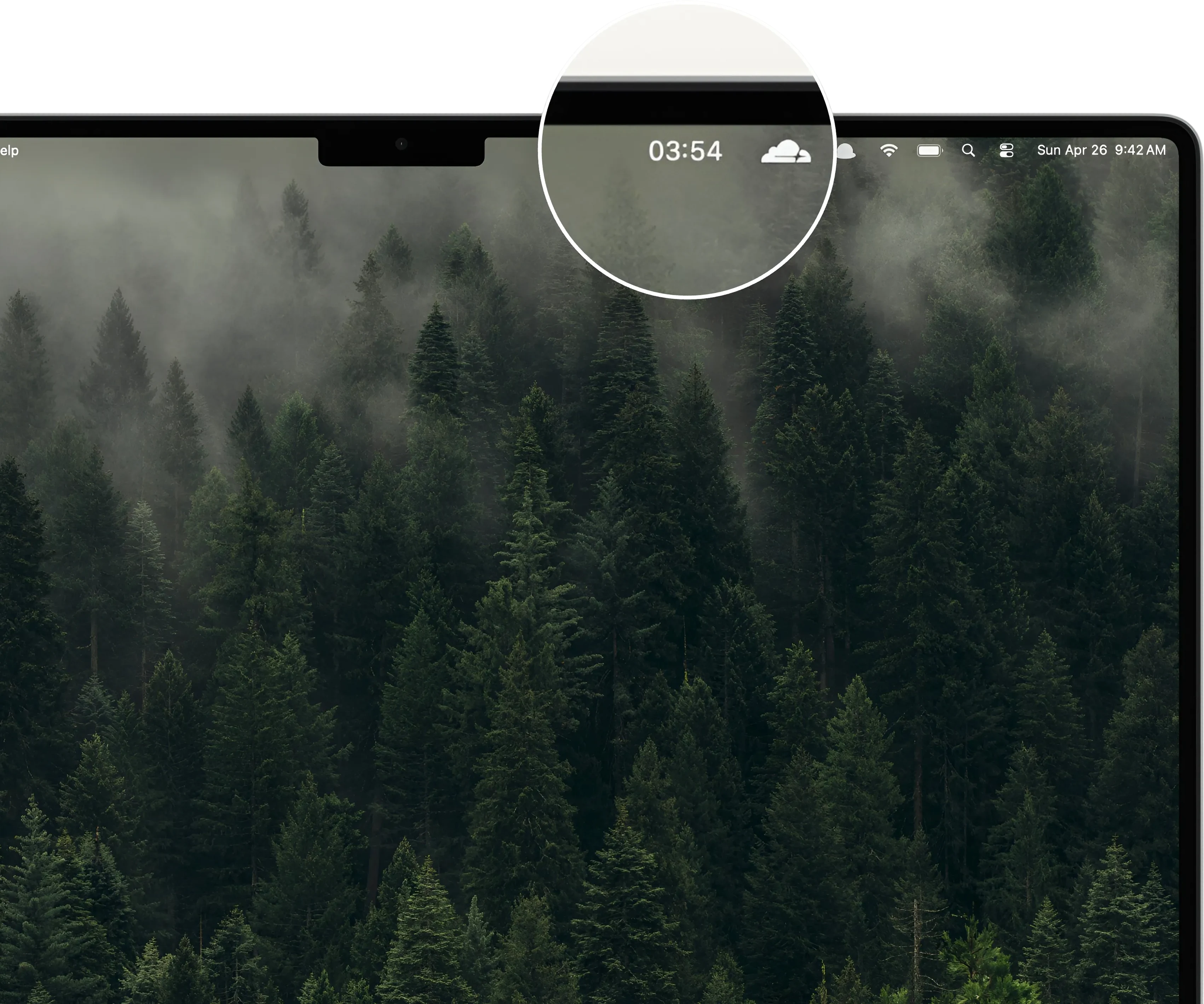
If your old OSX Pomodoro timer feels abandoned, too complex, or too disconnected from modern macOS, Kofe Flow gives you a focused replacement without adding a full productivity suite.
Kofe Flow is built for modern macOS. This page exists because many Mac users still search for OSX timer apps.
Yes. Kofe Flow supports focus sessions, short breaks, long breaks, and adjustable durations.